
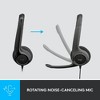
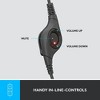
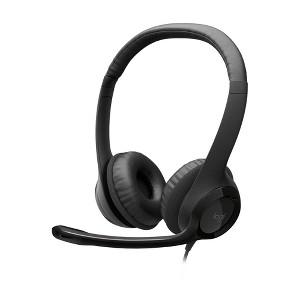
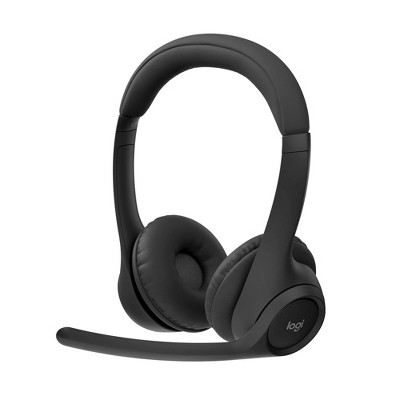
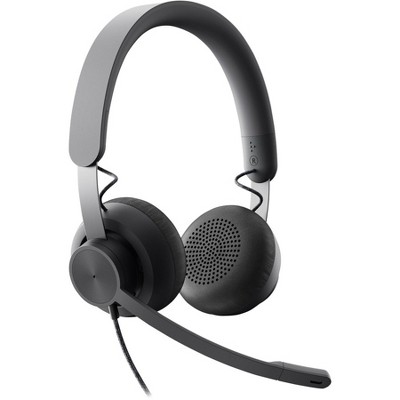
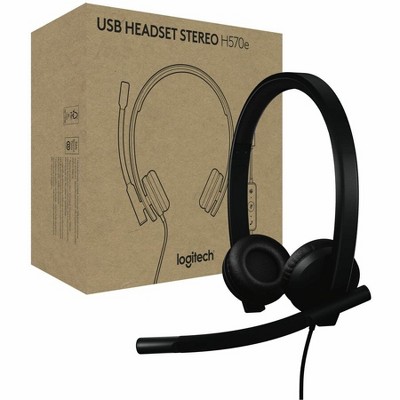
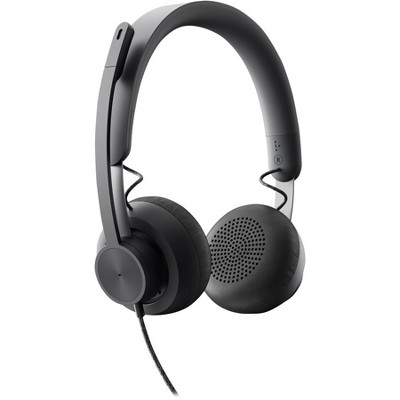
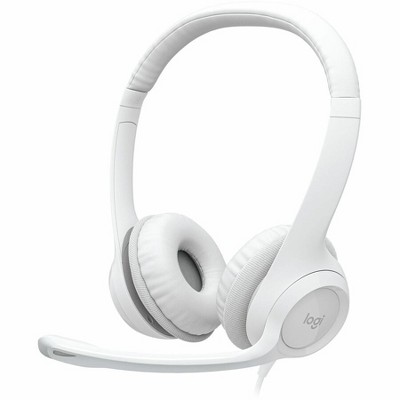
Logitech H390 USB Wired Headset
$19.89
In Stock
Eligible for registries and wish lists
About this item
Additional product information and recommendations
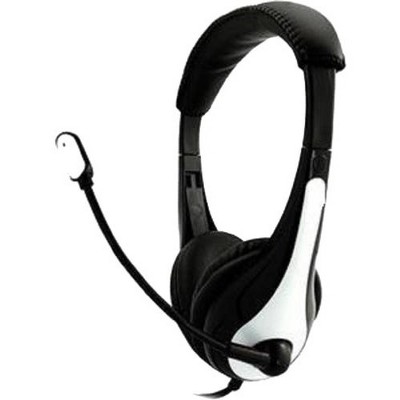
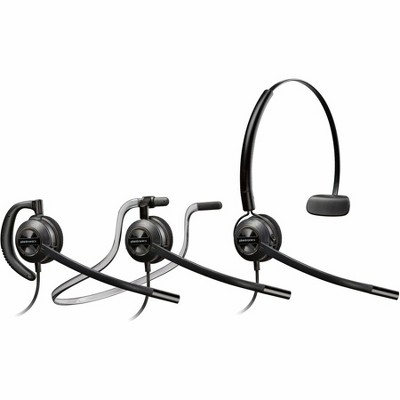
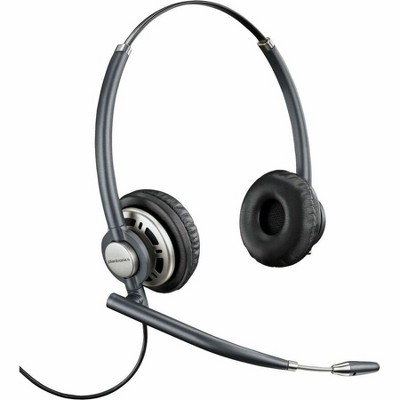
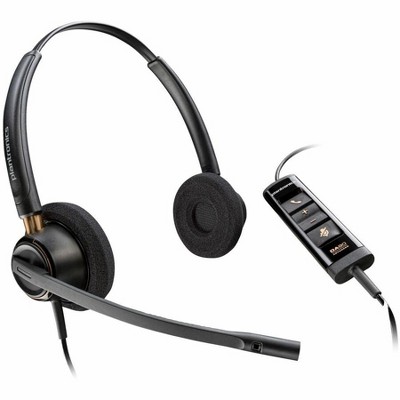
Frequently bought together
Related Categories
Guests are saying
This headset is a popular choice among guests for its clear sound quality and comfort during long hours of use, making it ideal for work-from-home setups and virtual meetings. Many appreciate its noise-blocking capabilities, although some have noted issues with the cord's durability and the lack of a mute button. Overall, it offers good value for its price, especially for those needing reliable audio for calls and meetings.
Summary created by AI from text of reviews reflecting recent feedback provided across different star ratings (includes incentivized reviews)
4.2 out of 5 stars with 318 reviews
quality: 4.02 out of 5
value: 4.25 out of 5
71% would recommend
82 recommendations
1 out of 5 stars
Thumbs down graphic, would not recommend
27 August, 2026Verified purchase
Horible quality
Great for noise control however the cord is absolutely awful. I’ve had the item for 5 weeks and the cord is not showing the wires and barely hanging on. So disappointing.
5 out of 5 stars
Thumbs up graphic, would recommend
25 August, 2026Verified purchase
(no review title)
Blocks out intering noise in my office.
1 out of 5 stars
Thumbs down graphic, would not recommend
28 July, 2026
(no review title)
I was there before others and my other wouldn't arrive. they even approached and asked me for the code, but it didn't matter, the guy got confused and it took forever to get my items.
5 out of 5 stars
Thumbs up graphic, would recommend
5 July, 2026Verified purchase
Great quality and comfort for the price point.
For my job I’m on phone calls and virtual meetings up to 7 hours a day. I love this headset. It is extreamly comfortable, has good sound quality, as well as microphone quality. It has been very reliable for my needs. I split my time between my office, the field, and working from home. I’m considering purchasing a second pair to keep at home so I done have to bring it back and fourth. For the quality and price point, I highly recomend! Added bonus: opposed to ear buds that are not always viable, the over-ear style head phones are not only more comfortable for long wear but are a CLEAR social cue to all generations that you’re on a call or in a meeting.
5 out of 5 stars
Thumbs up graphic, would recommend
14 May, 2026Verified purchase
(no review title)
the microphone works well and the sound is received very well. It's very clear.
5 out of 5 stars
22 April, 2026
(no review title)
Good
1 out of 5 stars
Thumbs down graphic, would not recommend
16 April, 2026
Do Not Buy
Complete trash. Left headphone stopped working the day I bought it, a loud piercing ring started happening in the other headphone, and then my coworkers couldn’t hear me. It shouldn’t be “on sale” if it’s defective. It should be completely off the shelf…
5 out of 5 stars
Thumbs up graphic, would recommend
15 April, 2026Verified purchase
Most comfortable headset for work
Most comfortable headset for my head
3 out of 5 stars
Thumbs up graphic, would recommend
28 February, 2026
(no review title)
Sound fine and easy plug and play. But the boom mic only swivels down on one side so you have to wear the mic on the left side of your face only. And so if your PC is on your right, the wire also has to come across your body and face. Not the end of the world but I'm returning this for a headset that can be worn on either side.
5 out of 5 stars
Thumbs up graphic, would recommend
22 January, 2026Verified purchase
(no review title)
Nice
5 out of 5 stars
Thumbs up graphic, would recommend
21 January, 2026Verified purchase
(no review title)
Great item for the price
5 out of 5 stars
Thumbs up graphic, would recommend
14 January, 2026Verified purchase
(no review title)
Nice and snug
5 out of 5 stars
Thumbs up graphic, would recommend
13 January, 2026Verified purchase
(no review title)
good value
5 out of 5 stars
Thumbs up graphic, would recommend
7 January, 2026Verified purchase
Good alternative USB headset with mic for the money
Very clear on the sound and mic. Comfortable around the head and ear area. Cost is reasonable as well. All in all good product.
5 out of 5 stars
13 October, 2025Verified purchase
(no review title)
Great for office work.
3 out of 5 stars
26 February, 2025Verified purchase
Cheap but uncomfortable for long periods of wear
I used it for an online exam that required a wired headset. It connected to my Macbook Pro with a dongle for USB-A devices. It's good for the price, but it gets really uncomfortable to wear after an hour or so. The sound quality is decent.
1 out of 5 stars
Thumbs down graphic, would not recommend
18 February, 2025Verified purchase
Not worth it
It only worked for two months. I wouldn't waste so much money on such a cheap product.
5 out of 5 stars
Thumbs up graphic, would recommend
11 October, 2024Verified purchase
Great!!
Absolutely worth it !
3 out of 5 stars
26 August, 2024Verified purchase
Ok but won't last a year
I bought the headset in Sept. 2023 for work (3-4 calls per day on average, ranging from 30 minutes to 1 hr). It works well - sound was clear, others heard me fine, and they didn't pinch/hurt my ears much after wearing for too long. Minimal to no wear and tear. This past month, folks on several calls have said that my sound went out as I was speaking. When I disconnect the headset and use the laptop mic, I can be heard. I don't expect the headset to last much longer.
5 out of 5 stars
Thumbs up graphic, would recommend
19 August, 2024Verified purchase
I love these!
I have one set for the office and one set at home. I love them. The noise cancelling mic is great so my clients and coworkers can’t hear my dogs barking in the background.